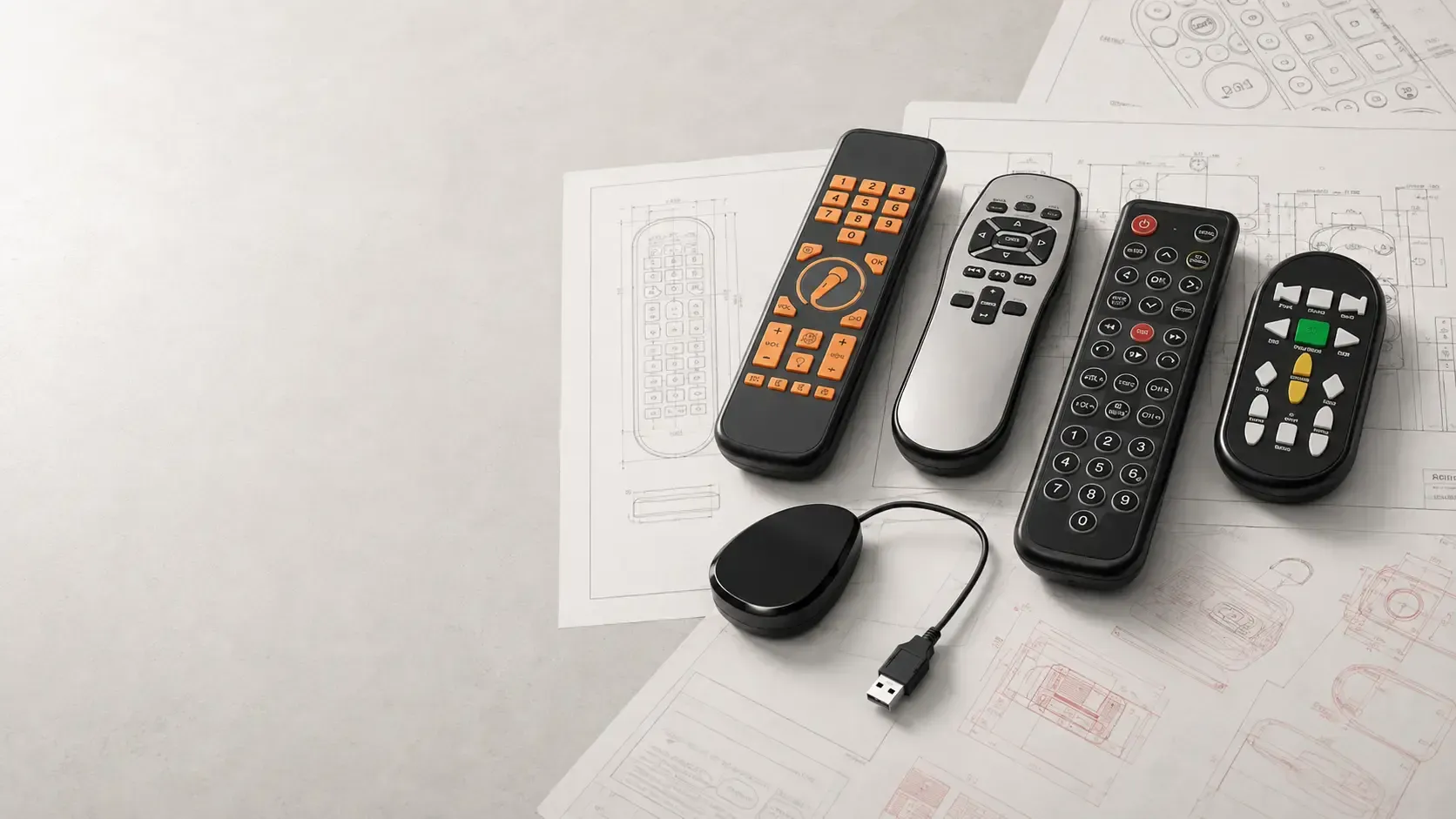
How OEMs can plan button functions, labeling, and future changes before committing to a remote design.
A programmable remote can support an evolving product when its button assignments, electronics, and receiving equipment are designed for the changes you expect. The first decision is where those changes will happen: during manufacturing, through a service procedure, or pushed from the equipment that the remote controls. A remote programmed at the factory does not automatically support updates after delivery, unless specifically designed to do so.
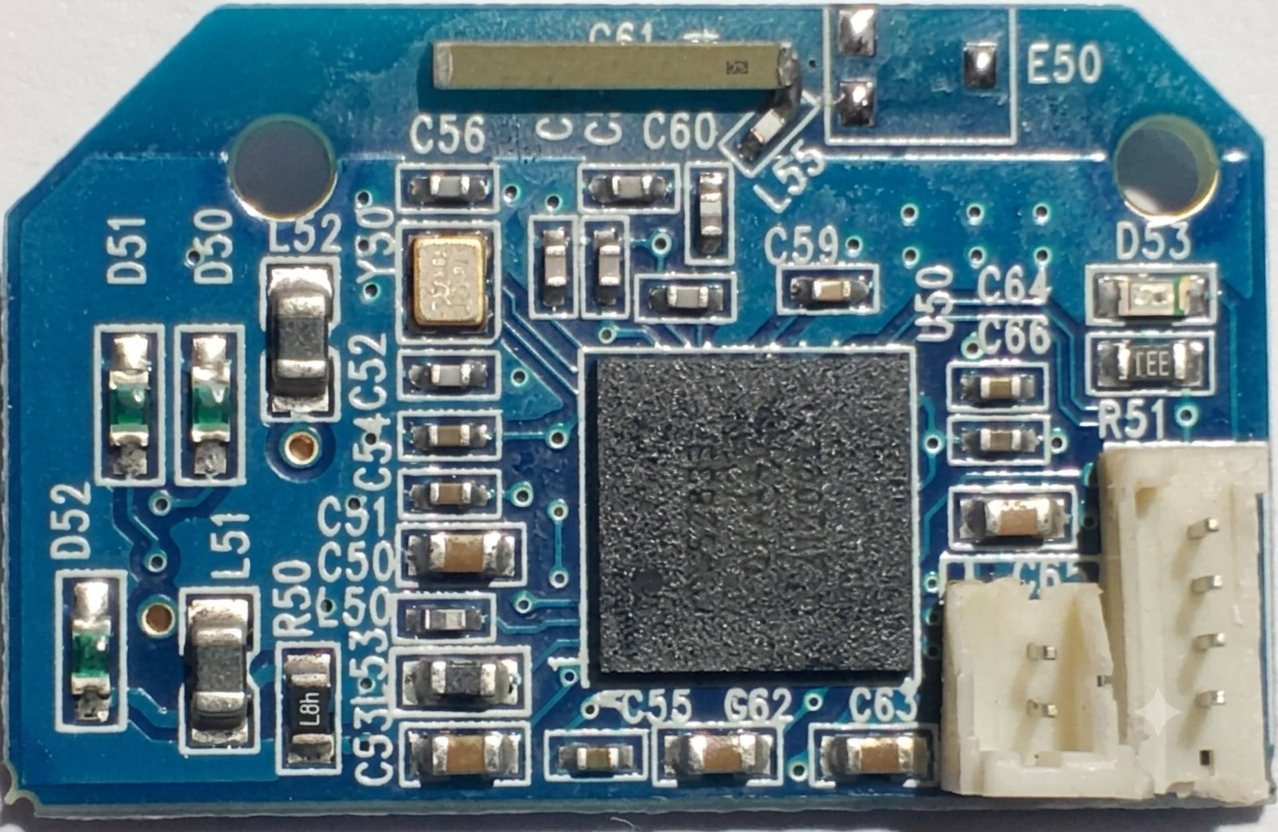
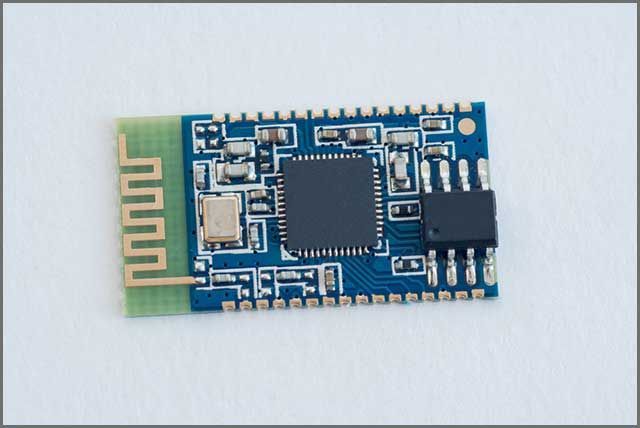
For an original equipment manufacturer, or OEM, this distinction affects specifications, cost, and customer support. Celadon’s PCB development process begins with establishing the required functions and customer-approved programming. Defining future and potential behavior at that stage gives the team a concrete requirement to evaluate before hardware and artwork are finalized.
Why programmable buttons are receiving attention
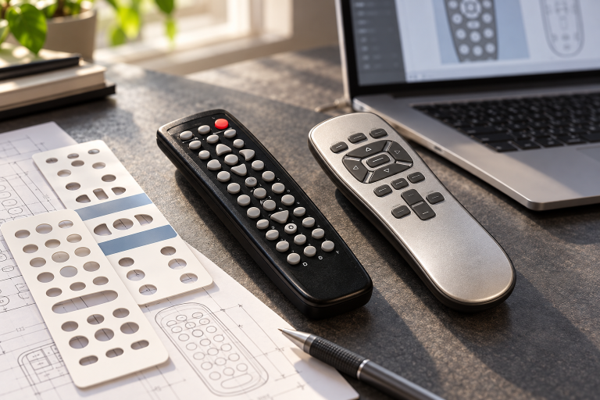
In its September 1 preview for IBC2026, Tech4home described AdaptiveKey buttons with software-controlled labels and functions. That is one example of a more flexible physical interface. This supplier example illustrates an emerging approach; it is not a specification for other remote platforms.
The broader usability question also appeared in the IBC session description on television interaction, which raised navigation, voice search, and the difficulty of entering passwords with a remote. For product teams, the useful lesson is to identify which tasks deserve immediate physical access and which can be handled through the controlled device’s interface.
A familiar button that continues to do the expected job can be more valuable than an extra feature that requires explanation. Flexibility earns its place when it solves a defined customer problem.
Decide what programmable means for your product
Use the following comparison as a planning framework. These are different design approaches, not interchangeable promises about a particular remote model.
| Approach | What changes | What to specify |
|---|---|---|
| Factory programming | Commands and behavior are set for the production version. | Approved function map, firmware version, and matching artwork. |
| Host-side reassignment | The receiving equipment gives an existing command a different action. | Compatible host software, clear user feedback, and stable essential functions. |
| Field-updatable remote | Supported firmware or settings can change after shipment. | Update transport, memory, power needs, authorization, and recovery behavior. |
| Dynamic key labels | A display changes the visible label along with its assigned action. | Display hardware, power budget, legibility, and synchronization with the host. |
For example, a presentation controller might send the same shortcut command while the host application determines what it opens. That hypothetical arrangement can preserve simple remote hardware, but it depends on the host accepting and interpreting the command. It does not make the remote’s own firmware updateable.
Keep the label and the action in agreement
A printed label becomes a promise to the user. If a button says “Input,” changing its behavior to open a service menu creates a mismatch even if the software works exactly as intended. Neutral symbols can provide room for future assignments, but only when users have an understandable way to learn what those symbols mean.
Build a button map before approving artwork. For each key, record its visible label, transmitted command, host response, and any long-press behavior. Identify which functions must remain consistent. Then test the map against the physical sample, rather than reviewing the graphics and firmware independently.
This also helps buyers choose between an existing platform from Celadon’s OEM remote range and a custom design. An established housing may suit the required button count. A different grip, keypad construction, or component arrangement may justify custom tooling.
What Celadon’s TELUS project demonstrates
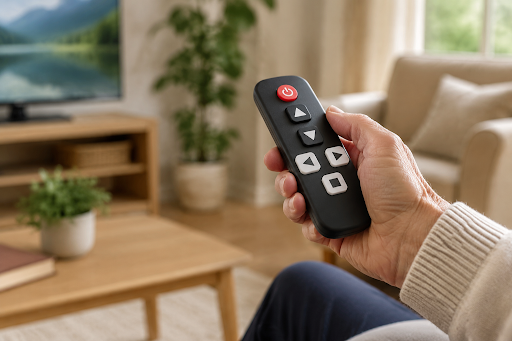
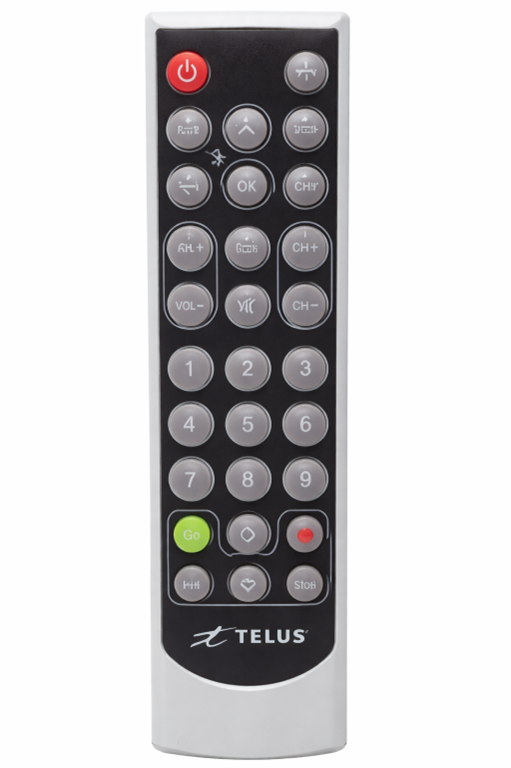
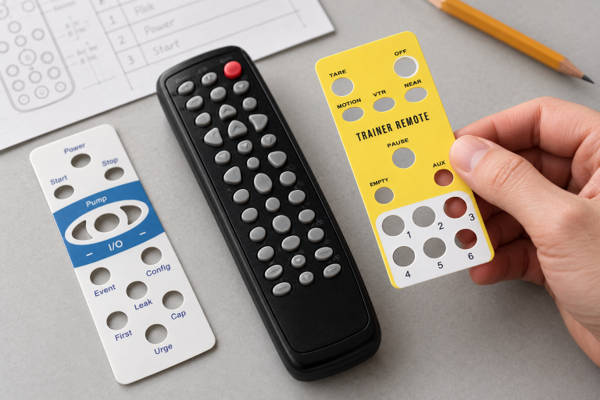
Celadon’s published TELUS Senior Remote case study describes a coordinated development process including the enclosure, keypad, electronics, and programming. The project combined a universal infrared code library and setup procedures with a cleanable membrane surface over a rubber keypad. Physical samples were reviewed before tooling and production approval.
The relevant lesson is the coordination of behavior and physical design into an intuitive and user friendly product. The case study does not establish that the remote had dynamic labels or wireless firmware updates. It explains why the methodical attention to planning functionality and user experience are paramount for good product design.
Plan for changes and failures before production
If updates are part of the product, define who can initiate them and what happens when they are interrupted. Ask whether a failed update leaves essential controls available, how the correct software version is identified, and how a service technician restores a known working configuration. These are requirements to resolve with the engineering team, not features to assume from the word programmable.
Also test the combinations customers will actually encounter. A revised host application may still need to support older remotes. Replacement remotes may arrive with newer programming. Agree on supported combinations and a test procedure for each release so a software change does not silently invalidate printed instructions.
There are applications where a fixed function map remains the sensible choice. When the task is narrow and stable, added update capability can bring maintenance work without a useful customer benefit. Compare that obligation with the specific future changes your product roadmap requires.
Frequently asked questions
Can an existing remote gain new functions through software
Sometimes. The receiving equipment may reinterpret an existing command, or the remote may have an explicitly supported update mechanism. New radios, displays, or other absent hardware cannot be added through programming alone.
Does a programmable remote need a screen
No. Fixed printed keys can send programmed commands. A screen or changing key label is a separate design choice, useful only when its benefit justifies the added hardware and power requirements.
What should we send Celadon for an initial discussion
Provide the equipment being controlled, a proposed button map, communication requirements, expected quantities, target price, and delivery schedule. Explain which functions may change and whether changes must reach products already in use.
Define the remote around your product roadmap
Celadon’s custom tooling services support enclosure and keypad development when a standard enclosure cannot meet the product requirements. Combined with Celadon’s PCB development and programming, that gives buyers a way to review physical and functional specifications together to develop a custom product with unique product requirements.
Discuss your remote control requirements with Celadon. Bring today’s required functions and the changes you expect over the product’s life so the team can evaluate a suitable development approach.