Why Accessibility Begins with the Remote Control

Why Accessibility Begins with the Remote Control

In healthcare, hospitality, and senior-living environments, the handheld interface often determines whether technology feels empowering, frustrating, or unusable.

A television, patient-room system, adjustable bed, presentation display, or connected device may contain sophisticated technology, but the user's experience often begins with a small object held in one hand. If the remote control is crowded, hard to read, slippery, or confusing, the value of the larger system becomes harder to reach. For older adults, people with disabilities, patients recovering from illness, and guests encountering unfamiliar equipment, the remote is not an accessory. It is the primary interface.

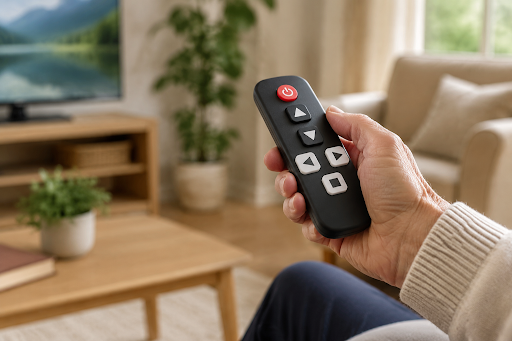
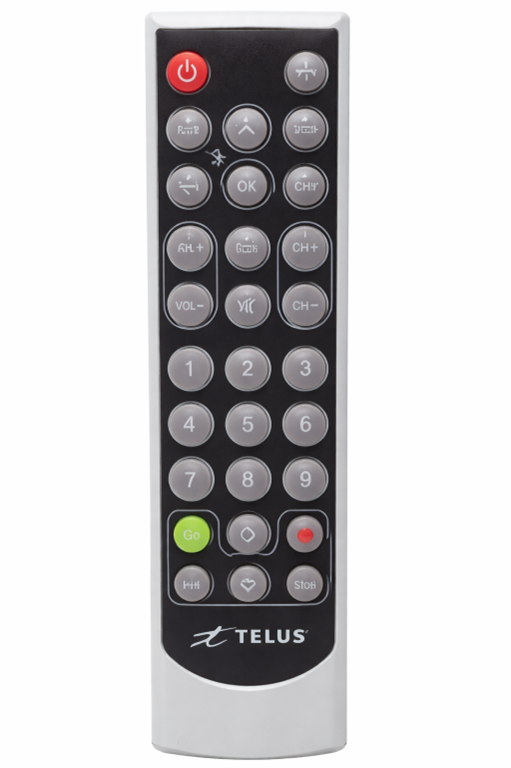
Figure 1. A simplified, high-contrast remote can make essential functions easier to locate and operate with confidence.

Accessible remote-control design is therefore not a matter of making every button larger. It requires a coordinated approach to physical shape, visual hierarchy, tactile recognition, button force, feedback, cleaning, programming, and the number of decisions a user must make. The strongest designs begin with the people, environments, and essential tasks the product must support.


Accessibility Is a Physical Experience


Visual acuity, color perception, hearing, dexterity, grip strength, short-term memory, and familiarity with technology vary widely. They can also change temporarily. A hotel guest may be using the remote in a dark room without glasses. A hospital patient may have an IV line, reduced range of motion, pain, or medication-related confusion. A resident in senior living may have limited vision or hand strength but still expect privacy and independence. Designing around ideal lighting and ideal users misses the situations in which accessibility matters most.


The U.S. Access Board's ICT standards provide a useful benchmark for physical controls: input controls should be operable by touch and tactilely discernible without being activated. The standards also address one-handed operation and avoiding tight grasping, pinching, or twisting. Those requirements do not automatically govern every privately sold remote control, but they capture an important design principle: a user should be able to find and operate essential controls without perfect sight or dexterity.


Six Principles for a More Accessible Remote


1. Prioritize the essential tasks


Begin with what users actually need to do. Power, volume, channel or input selection, navigation, and one or two application-specific functions may deserve immediate access. Secondary setup functions can often be moved behind a protected sequence, placed on a separate service control, or omitted. Fewer visible choices reduce visual scanning and accidental presses.


2. Create a clear visual hierarchy


High contrast is more dependable than subtle color differences. Large labels, simple icons, uncluttered artwork, and generous space around key groups help users recognize functions quickly. Color can reinforce meaning, but it should not be the only way two controls are distinguished. Backlighting can improve low-light use when it activates predictably and preserves reasonable battery life.


3. Give important controls tactile landmarks


Different shapes, heights, textures, or raised reference points allow a user to orient the remote by touch. A power button, directional pad, volume rocker, or call function should not feel identical to every neighboring key. Tactile feedback should confirm that a press occurred without requiring excessive force.


4. Design for reach, grip, and button force


The enclosure should sit securely in the hand without demanding a tight grip. Button spacing should reduce accidental activation, while frequently used keys should fall within a comfortable thumb range. The correct dimensions depend on the user population and task, which is why physical prototypes are more informative than drawings alone.


5. Provide understandable feedback


A tactile click, feedback LED, on-screen response, or carefully chosen sound can tell the user the system received the command. Feedback should be timely and consistent. When the controlled equipment includes menus, guides, or accessibility settings, the interface beyond the remote also matters. The FCC's guidance for accessible television and set-top-box controls illustrates how access to device functions, menus, and activation of accessibility features are part of the complete experience.


6. Match the construction to the environment


Healthcare and senior-care products may be cleaned frequently. Hospitality remotes are shared by many unfamiliar users. Crevices, loose battery doors, fragile printing, and complex keycaps can create maintenance or hygiene problems. Materials, surface coatings, membrane construction, artwork durability, and battery access should be selected with the expected cleaning process and service life in mind.


Different Environments, Different Accessibility Priorities


In healthcare, the priority may be reliable access to a limited number of patient-room functions while accommodating reduced movement and frequent cleaning. In hospitality, the remote must be understandable without training, work with the installed television or set-top box, and withstand repeated handling. In senior living, designers may emphasize large readable buttons, tactile orientation, simple setup, efficient backlighting, and an enclosure that can rest securely on a table.


These markets overlap, but they are not interchangeable. A universal idea of an accessible user can be almost as limiting as ignoring accessibility entirely. Product teams should involve representative users, caregivers, facility staff, installers, and service teams early enough for their feedback to change the design. Testing should include realistic lighting, seating positions, cleaning procedures, and common mistakes rather than only confirming that each command transmits.


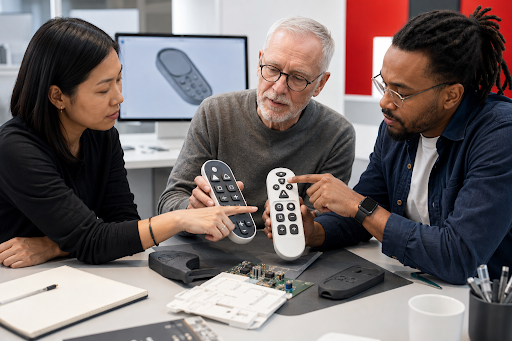
Figure 2. Inclusive product development works best when users and operational stakeholders can influence button layout, grip, feedback, and cleaning requirements before tooling.

What the TELUS Senior Remote Demonstrates


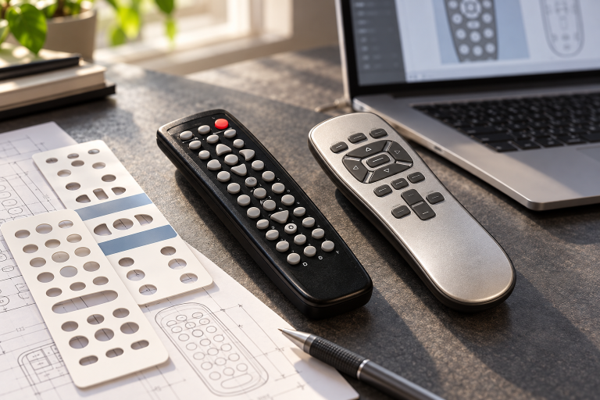
Celadon's TELUS Senior Remote project shows how these principles can be translated into a manufacturable product. TELUS needed a remote suited to senior-care environments, with large easy-to-read buttons, efficient backlighting, and a surface that could be cleaned easily. Celadon developed a custom enclosure that could lie flat or stand vertically, combined a membrane surface with an underlying rubber keypad for cleanability and tactile response, and produced 3D-printed samples for evaluation before tooling.


The electronic solution mattered too. Celadon incorporated ambient-light and tilt sensing so the keypad backlight could activate when appropriate without wasting battery life. The PCB, microcontroller programming, infrared code library, setup process, first-article samples, EMC testing, production, and logistics were coordinated as parts of one program. Accessibility was not added at the end; it influenced the industrial design, mechanics, electronics, and user interaction together.


How Celadon Helps Solve Accessibility Challenges


Celadon can begin with an existing OEM enclosure or create a fully custom product, depending on the required button count, grip, cleaning needs, technology, volume, and target price. Through its cosmetic-design and keypad customization capabilities Celadon can support enclosure and keypad colors, high-contrast printing, icons, overlays, key grouping, membrane or rubber keypad approaches, and branding. Functional options can include backlighting, feedback LEDs, dedicated programming, universal infrared libraries, addressability, and custom transmission protocols.


Most importantly, Celadon can connect those choices to a complete development path. The team can help define product requirements, prepare concept renderings, develop the mechanical enclosure and PCB, program the microcontroller, build rapid prototypes, fabricate tooling, prepare first-article samples, coordinate applicable testing, and move the approved design into production. That continuity reduces the chance that a good accessibility idea will be weakened by a later mechanical, electrical, cost, or manufacturing decision.


Design reminder: Accessibility is strongest when representative users participate in defining and testing the product. Standards and design guidelines are valuable starting points, but they do not replace application-specific user research or compliance review.


Make the Interface as Thoughtful as the Technology


If your organization is developing a remote control for healthcare, hospitality, senior living, consumer electronics, or another environment where ease of use matters, contact Celadon to discuss the people, functions, cleaning requirements, operating environment, quantities, and delivery goals behind the product. Celadon's concept-to-production team can help turn those real-world needs into an accessible control solution that is practical to manufacture, test, deploy, and support.

Mike Griswold • August 17, 2026

By Mike Griswold August 17, 2026
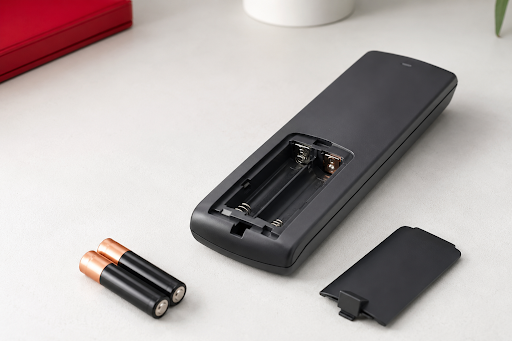
Replaceable by Design: What New EU Battery Rules Mean for Remote Controls
By Mike Griswold July 17, 2026
A practical guide to forecasting, component strategy, inventory planning, and stronger supplier collaboration.
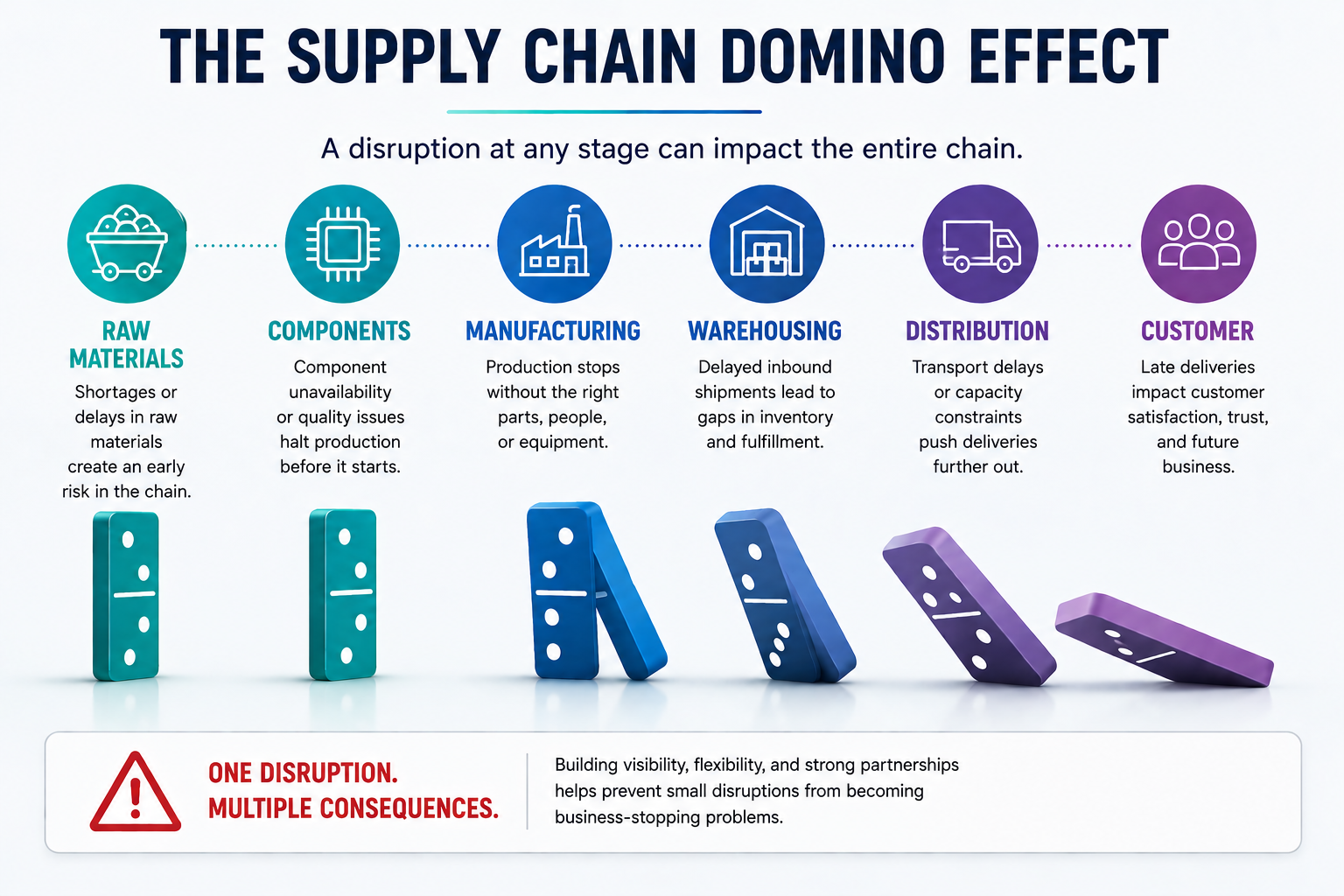
Infographic on supply chain domino effect showing six linked stages from raw materials to delivery and customers.
By Mike Griswold June 18, 2026
Regional supply chain management is becoming more important in the remote-control manufacturing industry. Celadon shows why we can be relied upon proactively.
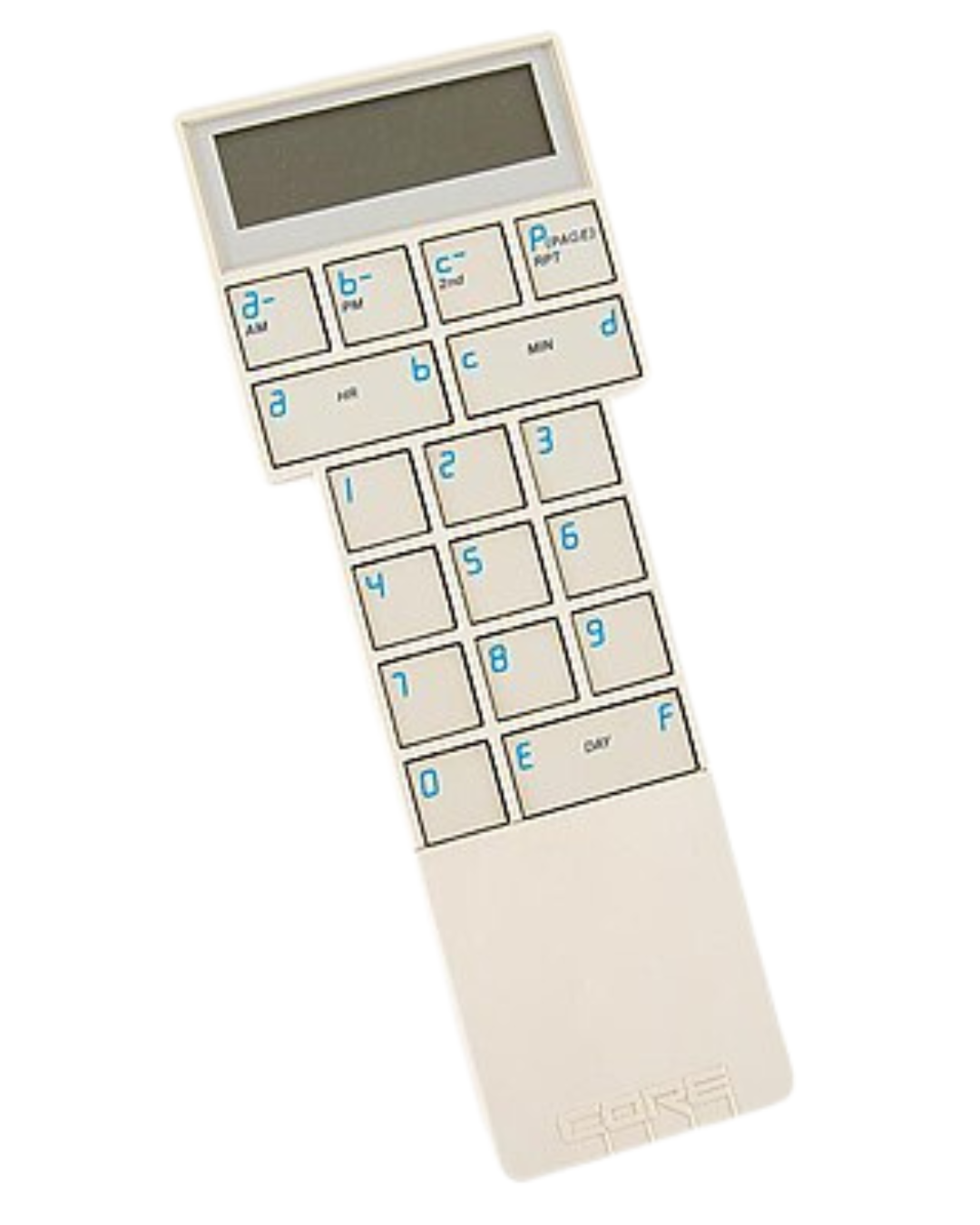
The original C.O.R.E. remote is left of 2 similar PIC series remotes.
By Mike Griswold May 28, 2026
Learn about how Celadon got started through the founder working as a customer service agent for CL 9, helping with the C.O.R.E. remote to manufacturing remotes
By Mike Griswold April 30, 2026
Manufacturing Trends - Redevelopement and Relocating Outside of China
By Mike Griswold February 20, 2026
A Case Study- The TELUS Senior Remote Project
Diagram illustrating NEC protocol timing, showing start pulse, address, data, and their inverted versions, along with timing in milliseconds.
By Mike Griswold January 16, 2026
Infra-red (IR) remote controls are relevant in today's technology scheme. There are many affordable solutions available when looking for remote control solutions.
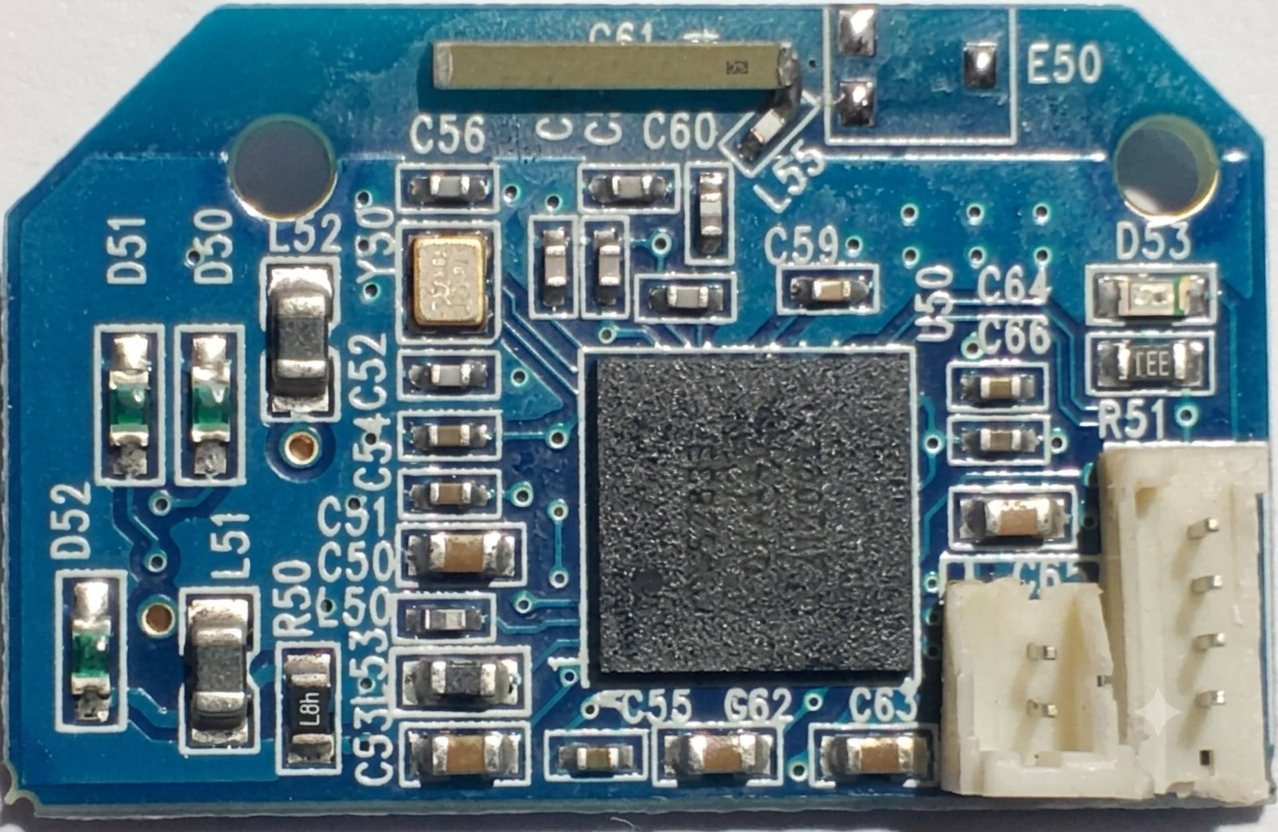
Blue circuit board with a gold antenna, various chips, and connectors.
By Mike Griswold December 10, 2025
Bluetooth® Declaration Fees: What They Are and Why They Matter
By Mike Griswold October 30, 2025
If you’ve ever wished your handheld device could top-off in minutes instead of hours, supercapacitors (also called EDLCs) deserve a look. While they aren’t drop-in replacements for every lithium battery, pairing supercapacitors with USB-C Power Delivery (USB-PD) opens up fast, repeatable charging for custom remotes, receivers, industrial handhelds, and other embedded products—without sacrificing longevity or safety.
Diagram showing placement and artwork specifications for a label on a device, including dimensions and color.
By Mike Griswold September 26, 2025
Take a look into the product labeling requirements that go into the design work for RF remote controls. This is a comprehensive guide engineers need to know about.
Show More