
Large selection of standard remote control and receiver enclosures,
each highly customizable and with a low minimum order quantity.
Why Celadon?
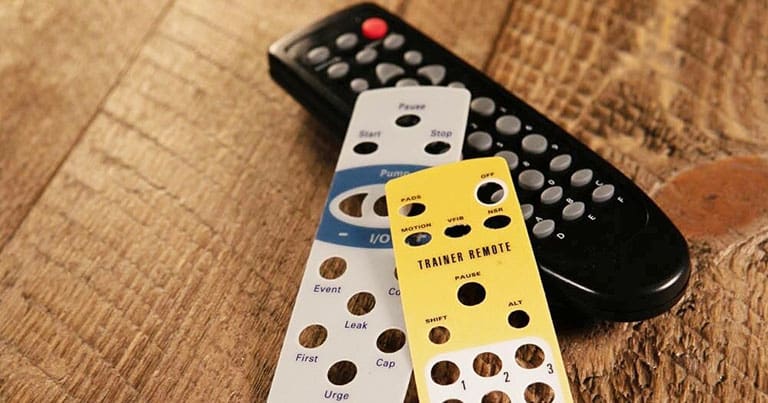
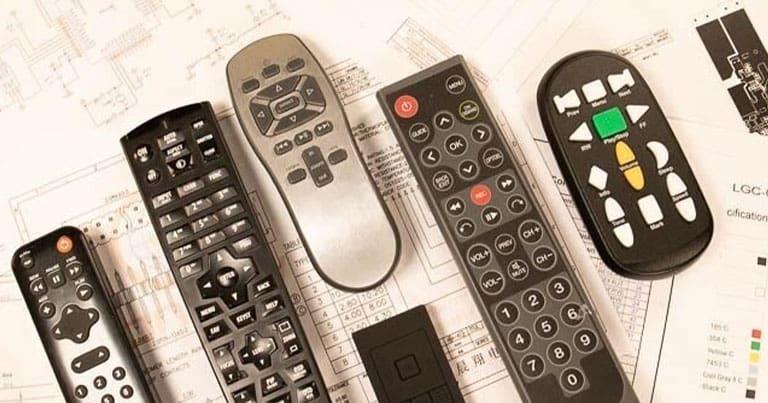
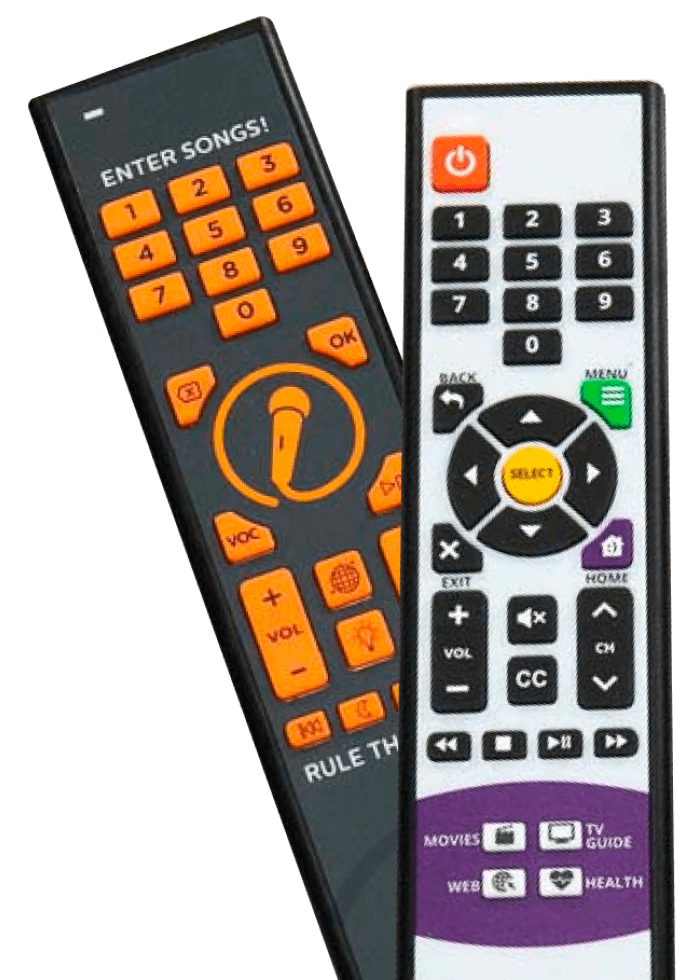
Celadon is an OEM manufacturer of custom remote control and receiver systems. With more than 30 years of experience, Celadon can provide its customers with low volume stock products, higher volume OEM products or completely custom remote control and receiver products for consumer, medical, educational and other applications.
Celadon has a US based sales office with offshore production facilities in South Korea, China and Thailand for OEM/ODM production of custom remote control products. Celadon provides consultation services to help define product requirements, proposals for development and production costs, as well as first article samples for testing and manufacturing approval. Celadon provides shipping logistics for transporting products via ocean or air freight to any global location.
What We Offer

Capabilities
- Infrared and Radio Frequency Remote Controls and Receivers
- 50+ Standard Remote Control and Receiver Enclosures
- Industrial Design, Mechanical Design and Electronic Design Services
- Custom Tooling Design, Custom PCB Design and Microcontroller Programming
- Contract Manufacturing of Electronic Products
- Shipping Logistics for Global Fulfillment
Our Ordering Process
Let's Work Together
Complete the contact form and submit your product requirements. A representative from Celadon will contact you to discuss your project in more detail.